
EXPERIENCE & SUITABILITY
Check Relevant Experience
Ask whether the technician has worked with your type of device or appliance and how they usually assess similar concerns.
Explore straightforward educational topics before discussing a device concern with a professional.
Explore every topicLearn about device precautions, what to document and which questions are useful.
Explore common questions
Choosing a local technician can feel complicated. Learn how to assess experience, verify credibility, protect your home or device, and understand the service process before agreeing to any work.
Explore device-specific guides
Ask whether the technician has worked with your type of device or appliance and how they usually assess similar concerns.
Look for consistent reviews, references, clear identification, and a traceable business presence before inviting someone into your home.
Request a plain-language explanation of the inspection, the recommended steps, and any components that may need attention.
Clarify who will visit, how device access will be handled, the expected timeline, and how the completed work will be demonstrated.
Independent information to help you ask better questions and protect your devices and personal space.
Different devices call for different expertise. Explore the key questions and precautions to consider before choosing a local technician or service professional.
Read the essential checklist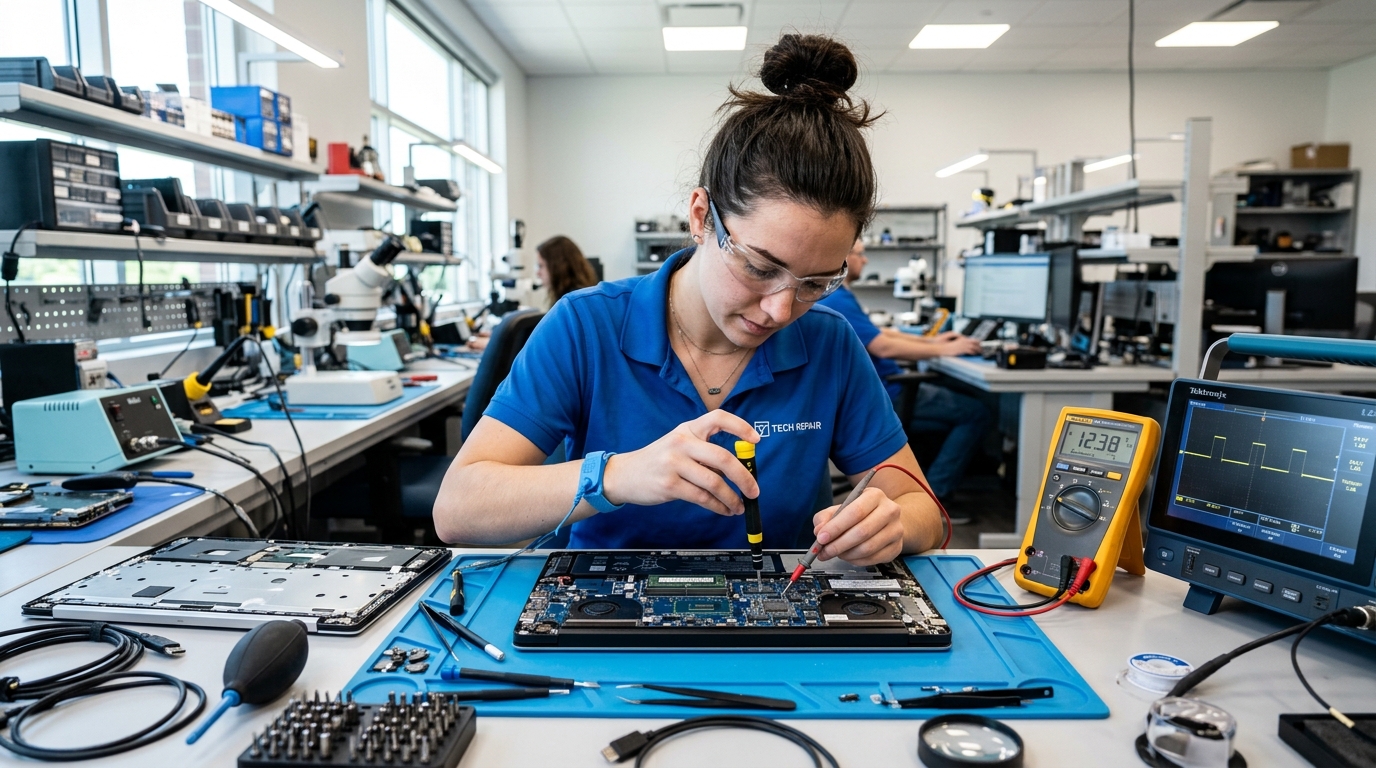 01 / 06
Learn which experience, data-privacy questions and device-handover checks matter when choosing someone to inspect a computer.
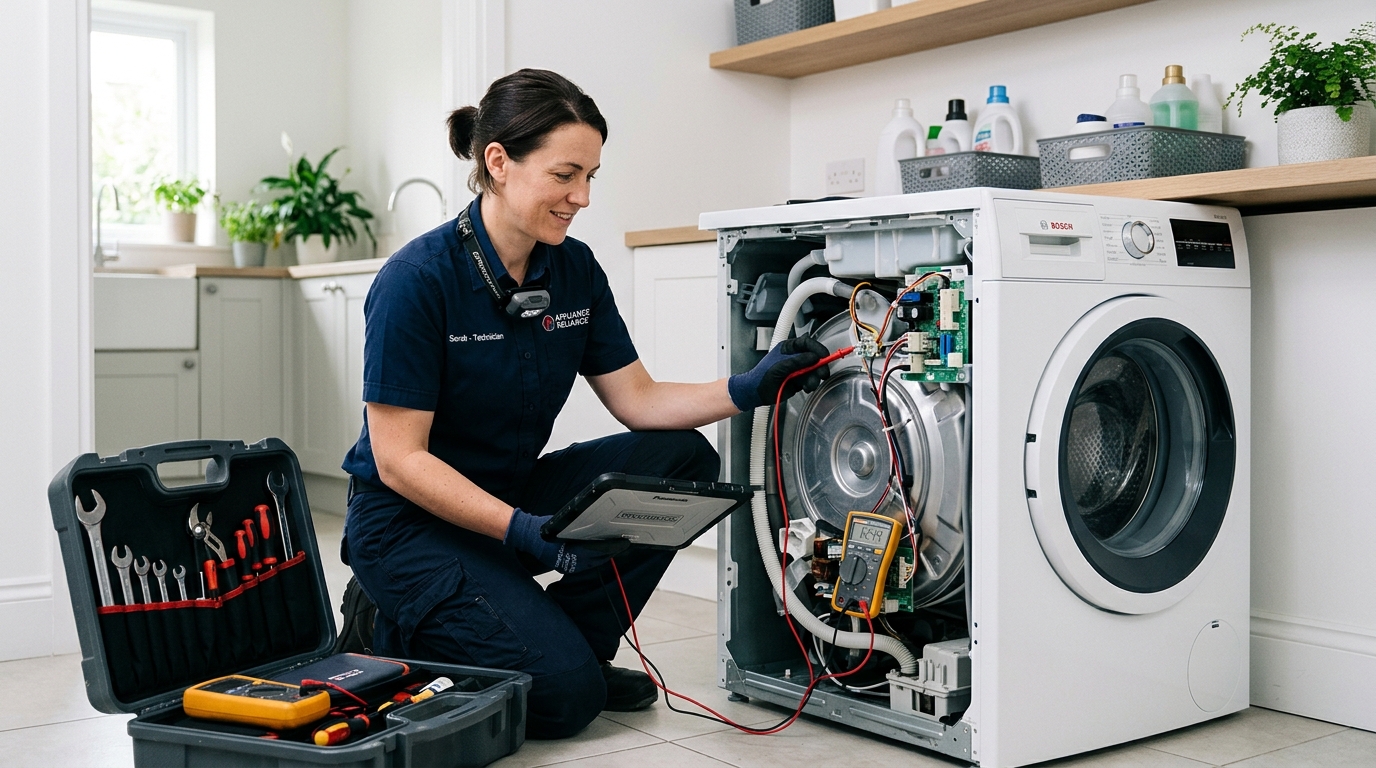 02 / 06
Explore the questions to ask about inspection procedures, experience with your appliance type and explanation of replacement recommendations.
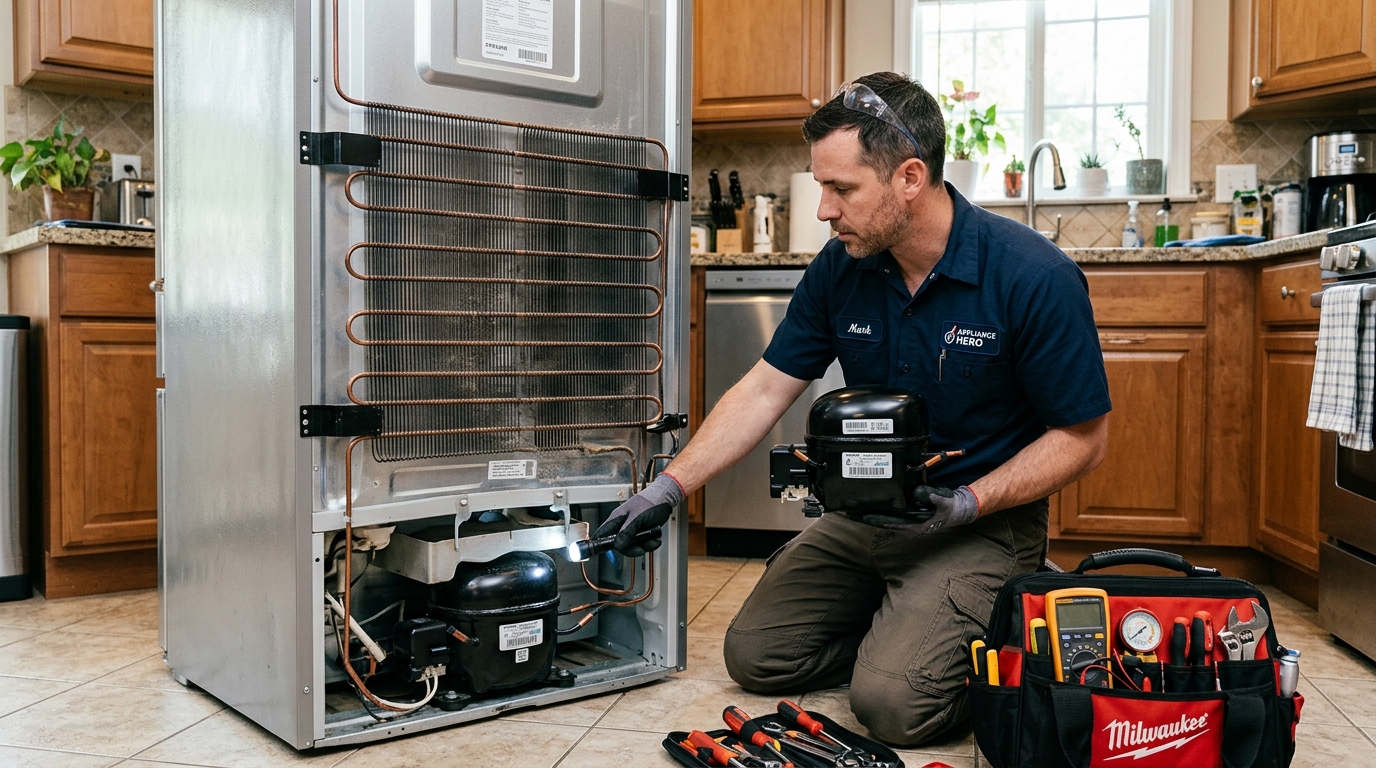 03 / 06
Understand how to discuss cooling symptoms, inspection findings, specialist experience and the proposed work before making a decision.
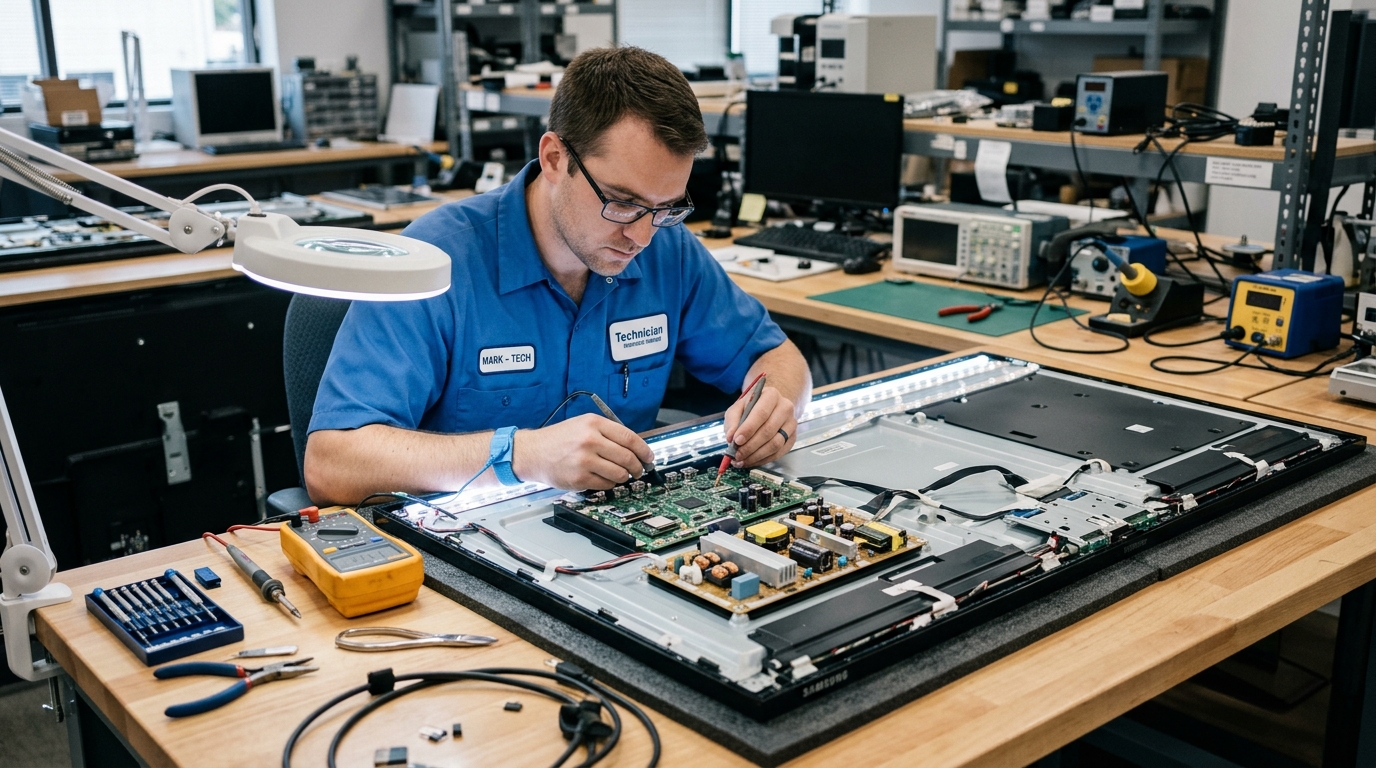 04 / 06
Know what to ask about screen assessments, backlights, handling precautions and how the technician will verify the result.
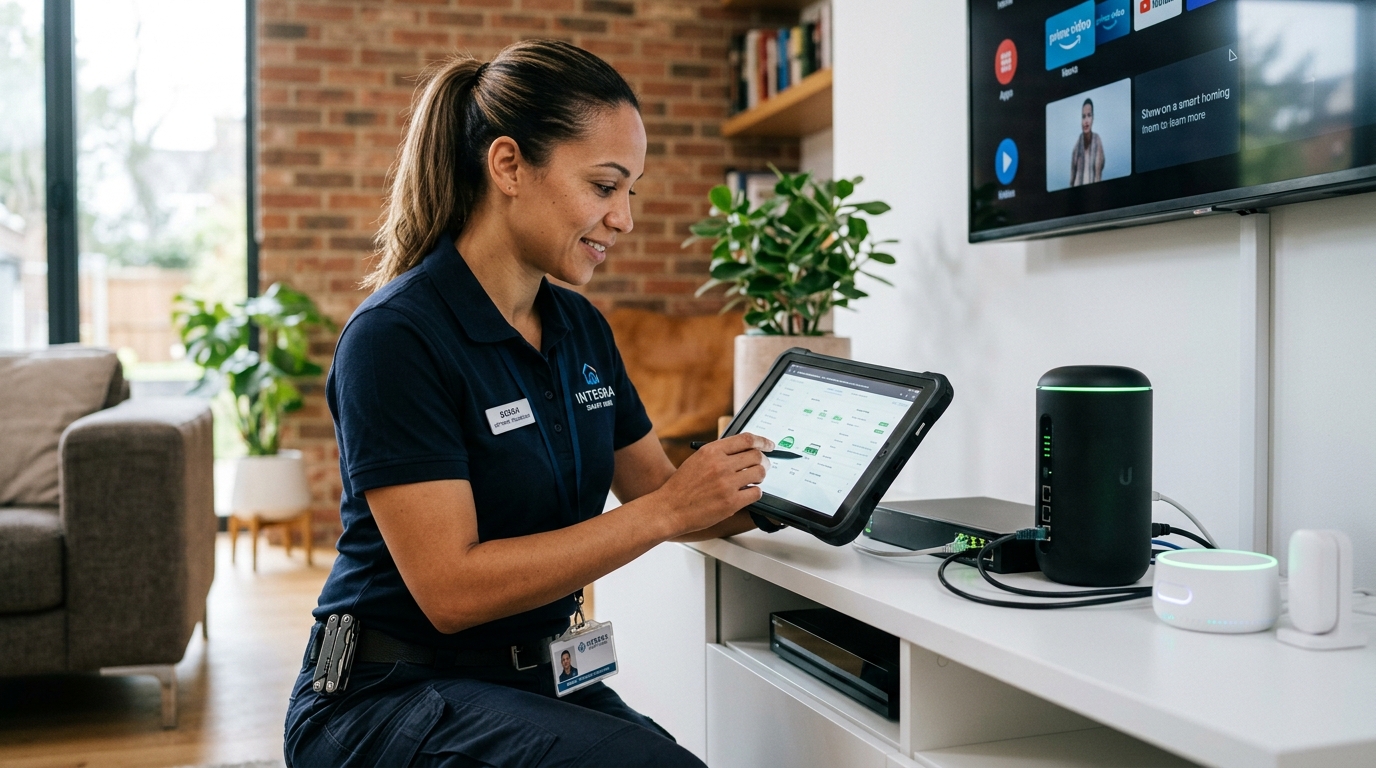 05 / 06
Review account ownership, permission boundaries, secure access and device handover before selecting someone for connected-home equipment.
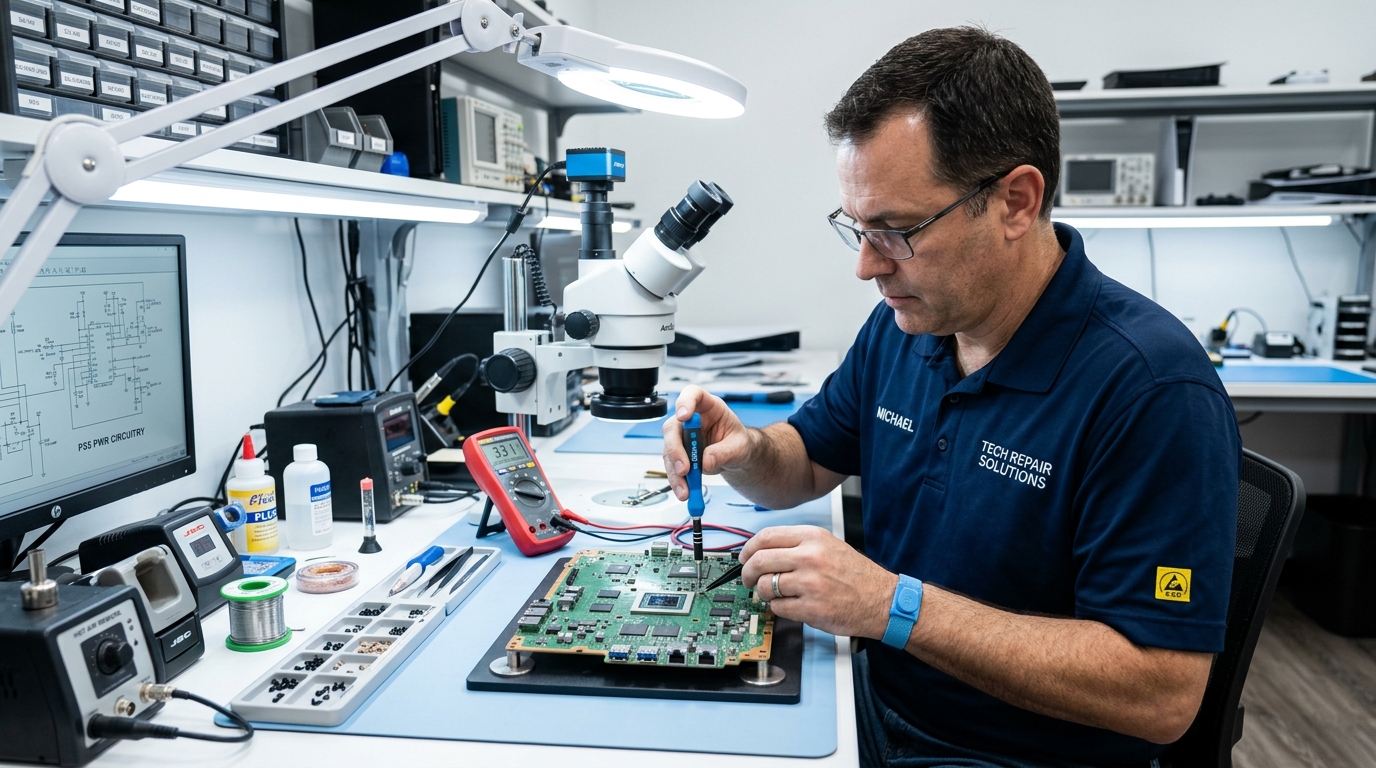 06 / 06
Learn how to review relevant experience, component knowledge, test procedures and handling precautions for gaming and audio devices.
Before choosing a local repair professional, learn how to evaluate an assessment, ask about parts and protect your device. Our independent guides help you prepare—not book a service.
Explore device guidesGood questions make a conversation with a local technician clearer. Review the important details before handing over a device.
Understand which symptoms were checked and what observations led to the proposed work.
Ask whether a part is compatible, how it will be identified and what conditions apply.
Clarify device access, account privacy, personal data and handling before any handover.
Keep a description of the work, expected steps, conditions and follow-up arrangements.
There is no single question that fits every repair situation.
Consider its age, existing condition and whether earlier concerns keep returning.
Understand the intended work and whether alternatives have been explained.
Look at relevant experience, references and clear business identification.
Consider how well the device may continue meeting your everyday needs.
When a service visit ends, knowing what was inspected and what changed can help you keep an accurate record and understand next steps.
Ask the technician to explain which tasks were completed and what was observed afterward.
Compare the explanation with the original concern.Where applicable, request the names of replaced components and keep a record of the work.
Note the device and component identifiers.Where safe and practical, check the relevant function while the professional is present.
Use the device in its normal operating conditions.Examples for everyday appliances and electronics, where safe and practical.
Observe filling, draining and spinning; watch for unusual sounds or leaks.
Ask how and when normal cooling performance should be assessed.
Review the reported function and confirm personal accounts remain protected.
Review picture, sound and the input or display function discussed.
Ask about similar types of work, relevant training and recent references. Look for a clear explanation of the proposed process rather than relying on a claim alone.
Confirm where it will be kept, who will have access, what work is planned and how the handover will be documented. Remove or protect personal information when practical.
Ask which component is involved, why it was recommended, how compatibility will be confirmed and whether the original part can be shown afterward when practical.
Ask why workshop tools or testing are needed. Photograph the device, note identifying details and request written acknowledgment of its condition and destination.
Review business identity, independently sourced customer feedback, references, communication quality and any written terms. No single indicator is a guarantee.
Avoid sharing sensitive credentials when possible. Discuss whether a limited-access method or supervised demonstration can meet the stated purpose.
Ask what was done, observe the original issue where safe, review any component information and retain your service records.
No. choiceandclarity is an independent educational resource. It helps readers understand what to consider when choosing a local repair professional; it does not arrange repairs or provide technical support.